EN · ID · JA Message us
Flexible work · Real results

Flexible for your people. Productive for your company.

See where your team's effort really goes, and help good people get more done, in the office, at home, or both. Grow your team without paying for more office.

Or email us at info@asatmi.com
Your server, your data · Employees agree first · Every view is recorded
One team, in the office and at home, getting more done in the same office Office Home One team More done Same office
Use cases

How ASA Workstyle helps.

Seven situations, and what changes when the hours have evidence behind them.

For top management

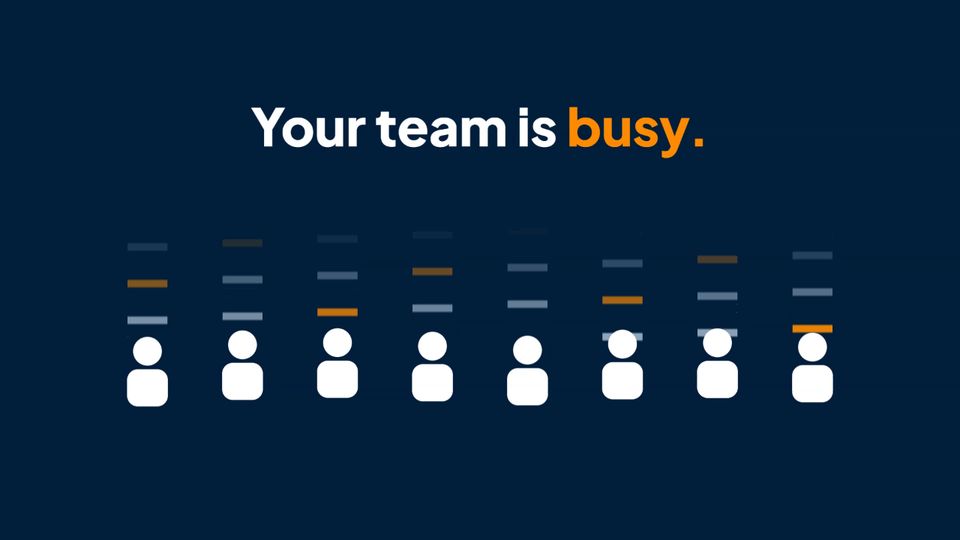
Your team is busy. The project is still late.

Priorities shift and new requests come in. The effort moves somewhere else, and nobody can see it. Before you hire more people, see where the effort goes.

  • Who is on what task
  • For how long
  • Whether it's what matters most

Not pushing people harder. Helping a good team put its effort where it counts.

▶ See the case video: Busy team
Your team is busy: play the video

WFH or productivity? You can have both.

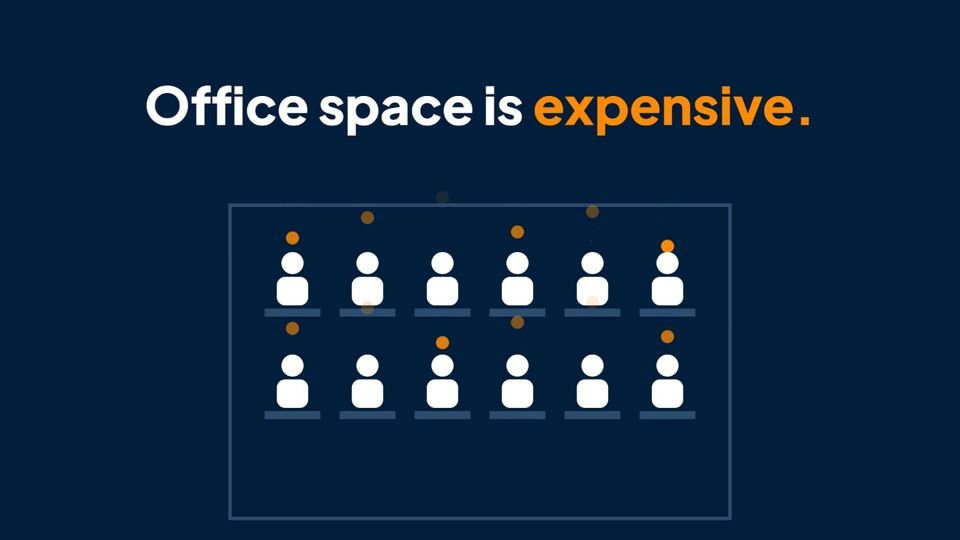
Working from anywhere saves office space and gives people time back. What makes it work is trust, and trust grows when the work is easy to see.

  • Projects and tasks are planned together
  • Managers see the team and its work on one Dashboard
  • Employees agree first, and can see their own record

Flexible for your people. Productive for your company.

▶ See the case video: Flexible work
WFH or productivity: play the video

Appraisal time. Who really earned it?

A manual report and a guess. The loudest team gets the credit, and the quiet one does the work.

  • The effort of every team, side by side
  • Evidence behind every number
  • A fair basis for the conversation

When good work gets seen, good people raise their game.

▶ See the case video: Appreciate the right team
Appraisal time: play the video
For project managers

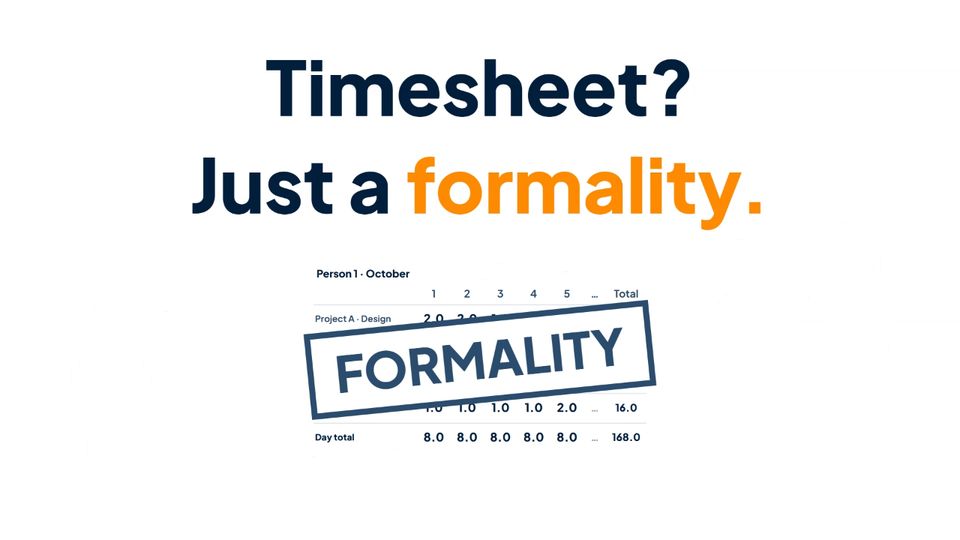
Timesheet? Just a formality.

Filled in by hand, from memory. Eight hours, every day, for everyone. When the project slips, the timesheet can't say why. But timesheets exist for a reason.

  • Know where the hours really go
  • Estimate the next project from the last
  • Put the right people on the right work

Better planning. Better execution. Better decisions.

▶ See the case video: Just a formality
Timesheet? Just a formality: play the video

Client doubts your hours? Show the proof.

"What did we pay for?" is a hard question when the answer sits in a spreadsheet anyone can edit.

  • Built from real work activity
  • Every change leaves a record
  • The final timesheet is sealed with a unique ID, ready for your client

Less explaining. More trust.

▶ See the case video: Prove the hours
Client doubts your hours: play the video

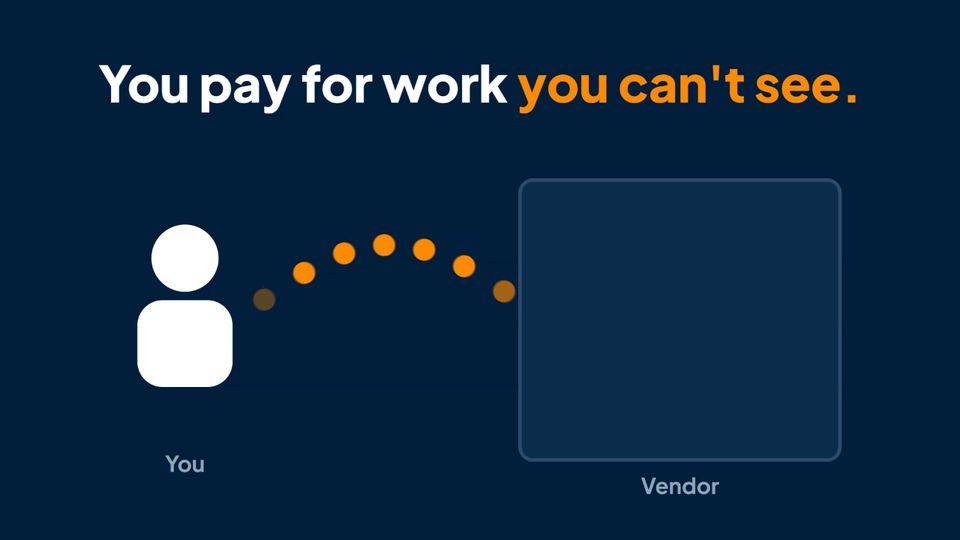
Outsourcing? See the work you pay for.

The report says the team worked. But who worked, on what, for how long? Good vendors deserve to be seen, and you deserve to see.

  • Add the vendor's team to your own ASA Workstyle
  • They agree first
  • Assign the project and the task, with evidence behind every hour

Transparent for you. Fair for your vendor.

▶ See the case video: See the vendor work
Outsourcing: play the video
For IT and compliance

Productivity or privacy? You can have both.

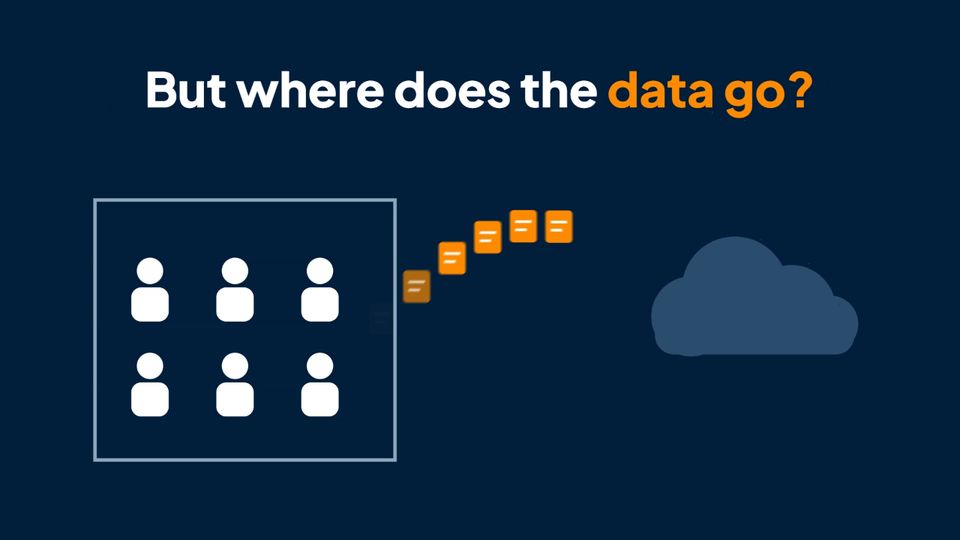
You bought a tool to see the work. But where does the data go, and who can open it? Your company answers for it.

  • Your server. Your data.
  • Tampering? Detected and reported.
  • Screens blurred before they leave the PC
  • Every view leaves a record

None of this was added later. Born with it.

▶ See the case video: Born with it
Productivity or privacy: play the video
Features

Every feature, one package.

One edition. No feature tiers and no add-ons. Every installation includes all 87 features below.

  • Clock in and out from a small taskbar app, with a reminder.
  • Automatic clock-out on log-off or shutdown.
  • Nothing outside working time while an employee is clocked out, no activity, screenshots or location are recorded.
  • Mouse-jiggler detection injected input never counts as presence, and suspicious patterns can be flagged.
  • Always visible the app sits on the employee's taskbar.

  • Applications and websites what was used, and for how long.
  • Idle time with a threshold you set.
  • No browser extension Chrome, Edge and Firefox, as they are.
  • Web addresses without their details the page's query details are dropped by default.
  • Productivity per job function an application can be productive for one role and not for another.
  • Application list every application seen, classified once for each job function.

  • Random timing at random intervals, and when the application changes.
  • Every display each screen captured on its own.
  • Five blur levels from light softening to fully unreadable text.
  • Reduced resolution and a size limit on every image.
  • A cap per hour if you want one.
  • Sensitive windows hidden by application, title or web address, on the PC, before the image leaves it.
  • Viewer watermark the viewer's name and the time on every view.

  • Optional with its own consent.
  • By district checked at clock-in and clock-out against district (kecamatan) zones.
  • Approximate area as fallback 1 to 8 km, where no district zone applies.
  • Never exact coordinates in any report.

  • Projects and tasks set up in the admin console and the portal.
  • Pick the task from the taskbar employees choose what they are working on.
  • Priority flag mark the projects and tasks that matter most.
  • Targets and budgets a target end date and hour budgets for each project.
  • Timesheet hours by project and task for each pay cycle, built from real work activity.
  • Evidence behind every number open any number to see the activity behind it.
  • Employee adjustments each with a written reason, reviewed by the supervisor.
  • Finalise and seal a final sheet is frozen, with a unique ID.
  • Automatic finalisation optional, after the cycle ends, with an advance warning to employees.
  • Print-ready PDF A4 with your logo, signature boxes and page numbers. A final sheet prints only if its sealed record passes an integrity check, and the PDF is never stored on the server.
  • Timesheet settings pay-cycle cut-off, company name and logo, and each person's department, position and supervisor.
  • Full history administrators see every sheet and how it changed.

  • Organization chart supervisors and levels, the way your company is organised.
  • Each manager sees their own people the people they are responsible for, plus the members of their project teams. Nobody else.
  • Dashboard your team and your project teams today: active, idle or clocked out, on which project and task, and when last seen.
  • Approvals you can switch on adjustments, month-end finalise and personal settings can each be set to need approval.
  • Routed up the chart each request goes to the right supervisor, and every decision is recorded.
  • Waiting requests what needs your decision, on your dashboard.

  • Person overview one person's working time, active and idle.
  • Day timeline one person's day, in order.
  • Activity with its screenshots and work location side by side.
  • Screenshot gallery every screenshot for one person over a period.
  • Daily and monthly statistics the figures, day by day and month by month.
  • Location report where work was done, by district.
  • Team Report a supervisor's view of their whole team.
  • Project reports eight reports on hours by project, task and person.
  • My Budget each person sees their own budget against the hours spent.
  • CSV export on many reports.

  • Consent for each purpose activity, screenshots and location, each agreed separately.
  • Withdraw at any time in the app, after clocking out.
  • Expiry and re-consent a warning before consent expires, and a fresh consent whenever the policy changes.
  • Clear notices in Indonesian, English and Japanese, checked on the PC so the employee sees the approved text.
  • Notice library your notice texts, managed in one place.
  • Employee portal employees see their own activity and screenshots.
  • History on their own PC the last 30 days by default (you can set 1 to 365), for the employee to look back on.
  • Password reset employees do it themselves.
  • Erasure requests for a period of time, approved with notes. The encryption key is destroyed, and a proof record remains.
  • Correction employees correct their own project time through timesheet adjustments.

  • Audit trail of every view who looked at whose data, when, what, and under which role.
  • Tamper-evident any change to the record shows. If the record cannot be written, the data is not shown.
  • A purpose for sensitive views a stated purpose and a document number, before the data opens.
  • Role-based permissions each role sees only what it is given.
  • Two-step sign-in ready to turn on.
  • One active login per account and signing out ends every open session.
  • Segregation of duties a switch so the person who authorises is not the person who acts.
  • Encrypted where it matters window titles and web addresses are encrypted on your server, and screenshots are encrypted on the PC before they are sent.
  • A trusted connection the PC and the server prove themselves to each other, and nothing on the employee's PC accepts incoming connections.
  • Tamper protection a hardened service and an uninstall secret. Attempts are detected and reported as incidents.
  • Signed licence checked offline.

  • Retention per data type you decide how long. Older data on your server is removed with the housekeeping feature, never on a timer.
  • Legal hold keep data for legal proceedings.
  • Light on the PC on average under 1% of one processor core, and a local store that never exceeds 512 MB.
  • Gaps are visible if a PC is offline too long, the gap is recorded and shown.
  • Long offline after 30 days offline (by default) capture stops, and the local data is wiped 7 days later.

  • On your servers one Linux server running containers, in your own network.
  • Offline licence no call-home, and nothing needs the internet.
  • Windows PCs Windows 10 and 11, 64-bit.
  • Easy rollout a standard installer, enrolled with tokens.
  • Licence per machine not per person. A shared machine counts once.
  • Machine list every machine in one place: retire, revoke or reinstate.
  • Policies a library of policies, assigned to the company or to machines.
  • Directory persons and accounts in one place.
  • Administrator tiers portal administrators in three levels.
  • Three languages desktop app and admin console in Indonesian, English and Japanese.
  • Guided installation in your data centre, with support from your partner.
Launch Bonus

Up to 12 months free when you buy a licence.

For a limited time, every licence comes with free months on top. The longer the term, the more you get.

12 months
Pay for 9
3 months free
24 months
Pay for 17
7 months free
Best value
36 months
Pay for 24
12 months free

What you get

  • Every feature, for the whole term
  • Updates and security fixes for the whole term
  • The installation guide: install it yourself, or with one of our partners
  • Our "If we ever stop" guarantees

How it works

  • The whole term is paid in full, up front
  • The free months are added at the end of your term
  • One licence per machine; you choose how many

Ask for a quote

Email info@asatmi.com with:

  • Your company's name and address
  • A contact person: name, mobile number, email, and WhatsApp if you have one
  • The number of employees (an estimate is fine), the number of machines, and the term you want
  • Why you are interested in ASA Workstyle

We use these details only to contact you and process your request.

A limited-time offer. We'll announce the end date in advance. Full terms come with your quote.

Happy with it? We'd welcome your feedback, a case study with your approval of the text, and permission to show your logo as one of our clients.

Ask for a quote
Privacy laws

One transparent design, four privacy laws.

Built to support Indonesia's UU PDP, and the privacy laws of the Philippines, the European Union and the United States.

What the law asksIndonesiaIDUU PDP No. 27/2022PhilippinesPHData Privacy Act 2012European UnionEUGDPRUnited StatesUSState laws (e.g. CCPA, NY)
Transparent recording, with notice first✓✓✓✓
Consent for each purpose✓✓◐–
Employees can see their own data◐◐◐◐
Correction of personal data◐◐◐◐
Erasure on request✓✓✓✓
Least-intrusive recording (blur, window masking, location by zone)✓✓✓–
Impact assessment (DPIA / PIA)◐◐◐–
Security safeguards (encryption, access control)✓✓✓✓
Record of who viewed whose data✓✓✓–
Retention limits✓✓✓✓
Breach notification◐◐◐◐
Limits on transfer abroad (data stays on your servers)✓–✓–

ID Indonesia (UU PDP) · PH Philippines (Data Privacy Act) · EU European Union (GDPR) · US United States (state laws)

✓ Required, and supported   ◐ Required; partly supported: the product gives you part of it, your process completes it   – Not generally required

Laws referred to: Indonesia — UU No. 27 Tahun 2022 on Personal Data Protection (enacted 17 Oct 2022; fully in force 17 Oct 2024) · Philippines — Data Privacy Act of 2012 (Republic Act No. 10173, 15 Aug 2012) · European Union — General Data Protection Regulation (EU) 2016/679 (applies since 25 May 2018) · United States — California Consumer Privacy Act as amended by the CPRA (employee data covered since 1 Jan 2023); New York Civil Rights Law §52-c (since 7 May 2022).

Not covered yet: a formal process for an employee to request a full copy of their data; correcting personal details other than project time (an administrator does it); and reporting a breach to the regulator. These stay with your organisation. The audit trail and tamper incidents give you the evidence for the last one.

How it supports UU PDP, right by right

Right or obligationHow ASA Workstyle supports itStatus
Information & noticeA notice for each purpose, in three languages, checked on the PC so the employee sees the approved text.Supported
Consent & withdrawalSeparate consent for activity, screenshots and location. Withdraw at any time in the app, after clocking out. Expiry, and re-consent.Supported
Access to own dataThe employee portal shows their own records, with CSV export on several screens.Partial
RectificationEmployees correct their project time through timesheet adjustments.Partial
ErasureRequest, approval with notes, the key destroyed, and a proof record.Supported
Data minimisationBlur, reduced resolution, window masking, web addresses without their details, district-level location, nothing outside working time, and PDFs never stored on the server.Supported
Security of processingEncryption on the PC and the server, role-based access, two-step sign-in, tamper-evident records.Supported
AccountabilityAn audit trail of who viewed whose data, with a purpose and document number for sensitive views.Supported
RetentionYou decide the period for each data type; older data is removed with the housekeeping feature, never automatically.Supported
Data stays in-countryInstalled in your own data centre. No cloud transfer.Supported

What to know in each market

Indonesia · UU PDP

Our home design. Consent for each purpose, erasure and the access audit trail map directly. District location zones are available here.

Philippines · Data Privacy Act

Recording must be disclosed, necessary and proportionate, with a privacy impact assessment by the employer. Location uses an approximate area.

European Union · GDPR

Employers usually rely on legitimate interest plus a DPIA; our consent for each purpose then serves as the transparency record. Recording working time is a legal duty, and our attendance records support it.

United States · state laws

Some states require written notice; California gives employees access, deletion and correction rights. We collect no biometrics.

Designed to support these laws. Compliance belongs to your organisation as the data controller: ASA Workstyle gives you the tools and the evidence. Indicative, from our own research (September 2026); not legal advice. No AI, no biometrics, no webcam, no video.

Trust

What it never does.

No keystroke contentIt notes that a key was pressed, never which key.
No video, webcam or microphoneScreenshots are still images only.
Nothing outside working timeWhile an employee is clocked out, no activity, screenshots or location are recorded.
Nothing goes to usNo cloud service, no call-home, and no access for us.

How it runs.

Install on your servers

A guided installation in your own data centre. Your data stays on your own servers.

Employees agree first

A clear notice of what is recorded and why. Then they clock in from the taskbar.

The timesheet builds itself

Hours by project and task, with evidence behind every number. Finalise, sign, done.

If we ever stop.

Your data stays yours

Everything it records is on your own servers, never on ours. Nothing has to come back from us to keep it.

A new product replaces it: a free move

If ASATMI replaces ASA Workstyle with a new product, your licence moves to the new product at no charge. The offer is open for 12 months from the day it is announced.

The product ends: a 100-year licence

If ASATMI ends ASA Workstyle with no new product to replace it, you can buy a 100-year licence for the price of 12 months, for at least the machines you have today, plus spares if you want. Support ends on the announced end date; with the 100-year licence, your installation keeps running.

We stop operating: a 100-year licence and the source code

If ASATMI announces that it will stop operating, you can buy the same 100-year licence, and support ends on the announced end date.

Every customer with an active licence also receives the source code: a paid subscription or a 100-year licence. The code is for keeping your own installation running, inside your organisation. It cannot be resold, shared or used to serve others.

Optional escrow. To have the source code guaranteed even if we close without notice, it can be held by an independent escrow agent and updated with each release. Escrow is set out in your Software Purchase Agreement, and you pay its cost.

These guarantees are for customers with an active licence on the day of the announcement; the 100-year licence is for active paid subscriptions. Customers who join after the announcement are not included. The full terms are in the agreement you sign with us.

FAQ

Questions we hear.

Is this about checking on people?

It's about seeing the work. Employees agree first, for each purpose, and see their own record. No activity, screenshots or location are recorded while they are clocked out, and there is no keystroke content, no webcam and no microphone.

Where is our data stored?

On your own servers, in your own data centre. There is no cloud service in between, and data is encrypted from the employee's PC to your server.

Does it work in the office, for WFH, WFA or hybrid teams?

Yes, for all of them: in the office, at home (WFH), from anywhere (WFA), or hybrid. The same timesheet and the same evidence, wherever your people work.

Can our vendor's team use it?

Yes. Add the vendor's team to your own installation. They agree first, and you assign the project and the task.

Which languages?

The desktop app and the admin console are in Indonesian, English and Japanese.

How much does it cost?

One edition with every feature. Message us on LinkedIn or email info@asatmi.com for a quote for your team, and ask about the Launch Bonus: up to 12 months free.

Is this you?

We can help.
Message us on LinkedIn Email info@asatmi.com